
Setup AdColony on Ads Cascade System
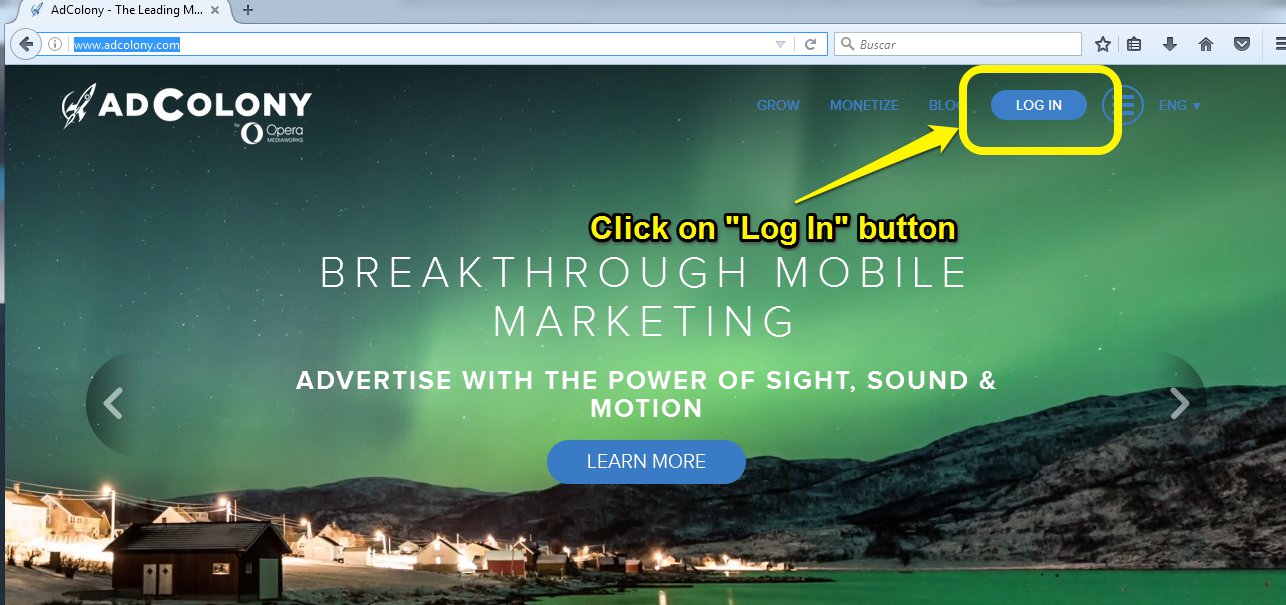
- Go to the AdColony website
- Click on the “Log in” button.
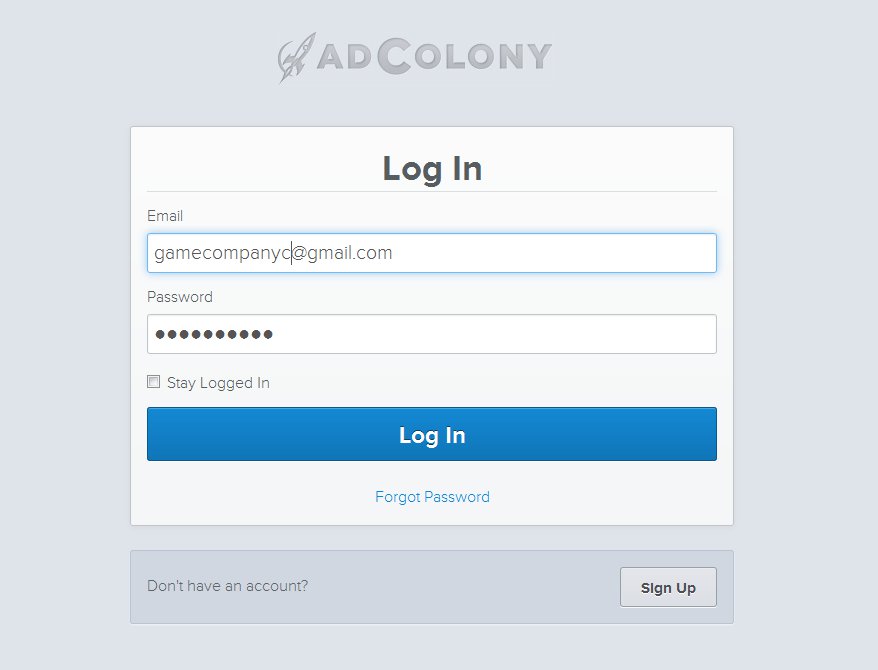
3. Log in with the correct game company.
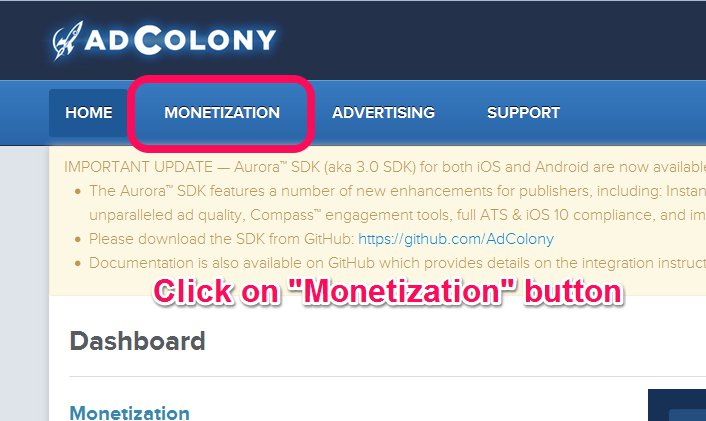
4. Click on “Monetization” button.
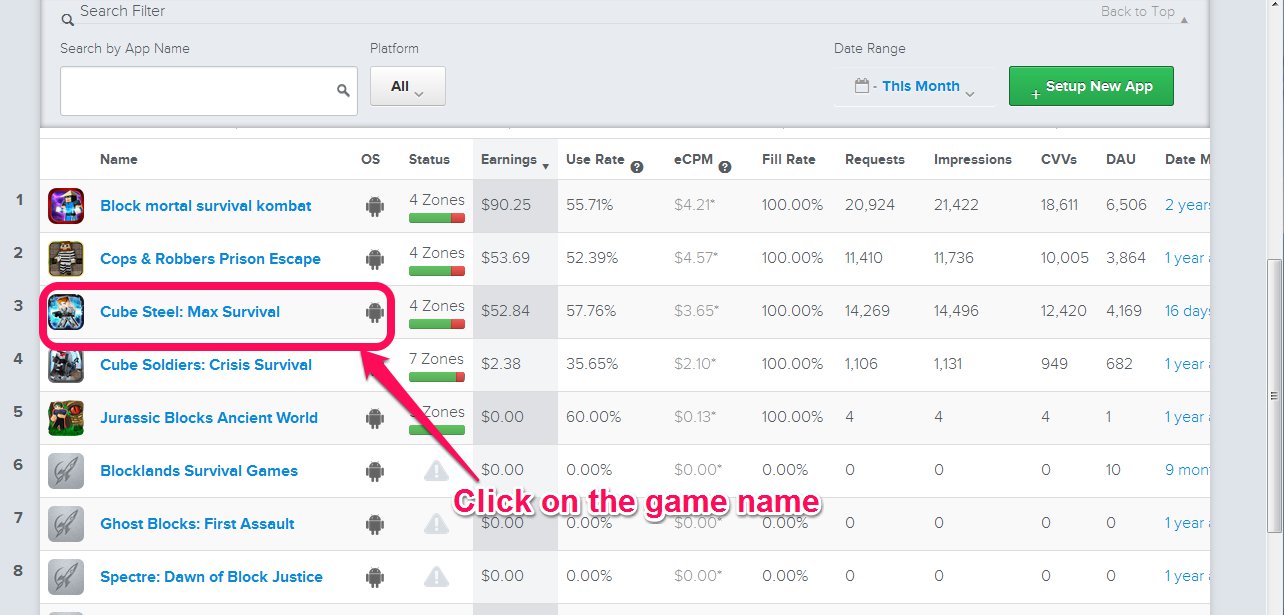
5. Scroll down and find the game on the list, click on it.
If the game is not in the list, just add it with the next instructions, else go to the point 6:
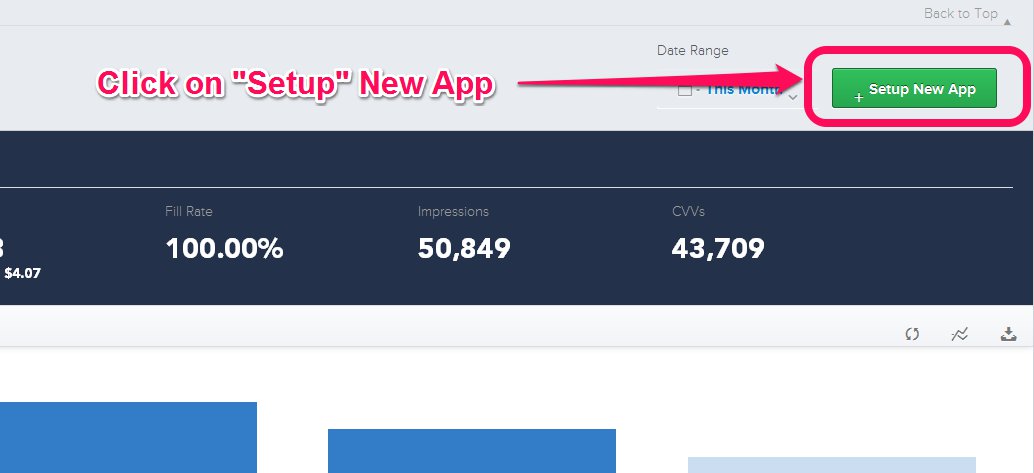
- Click on “Setup New App” ->button.
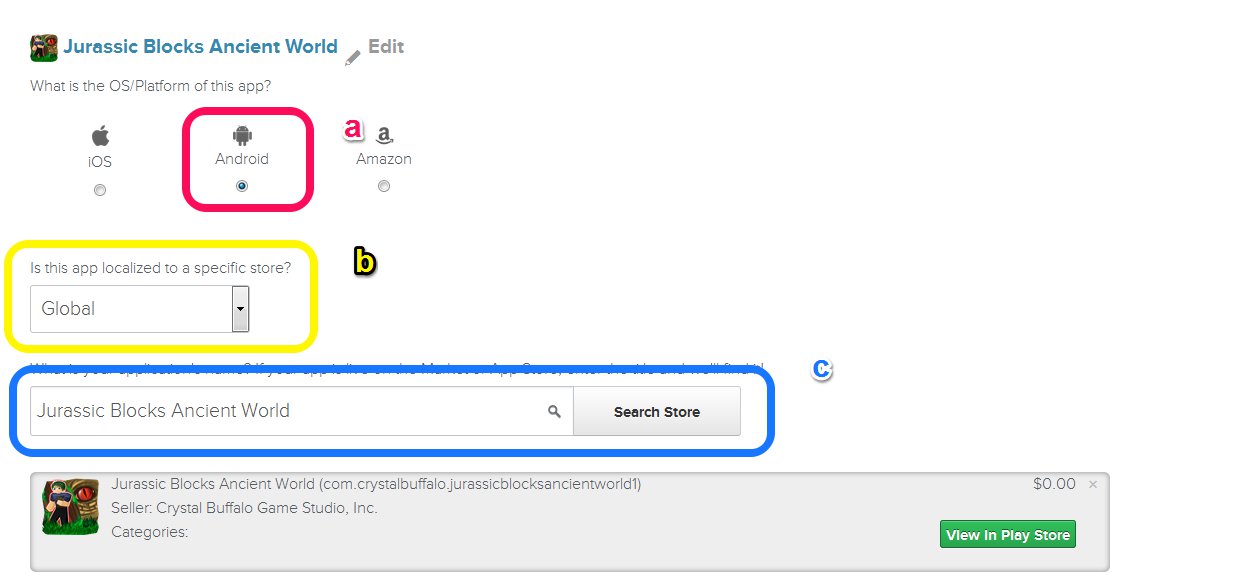
- Setup the game:
- a) Choose “Android” as plataform,
- b)”Global” on the “Store” option.
- c) Type the name of the game on the field an click “Search Store“.
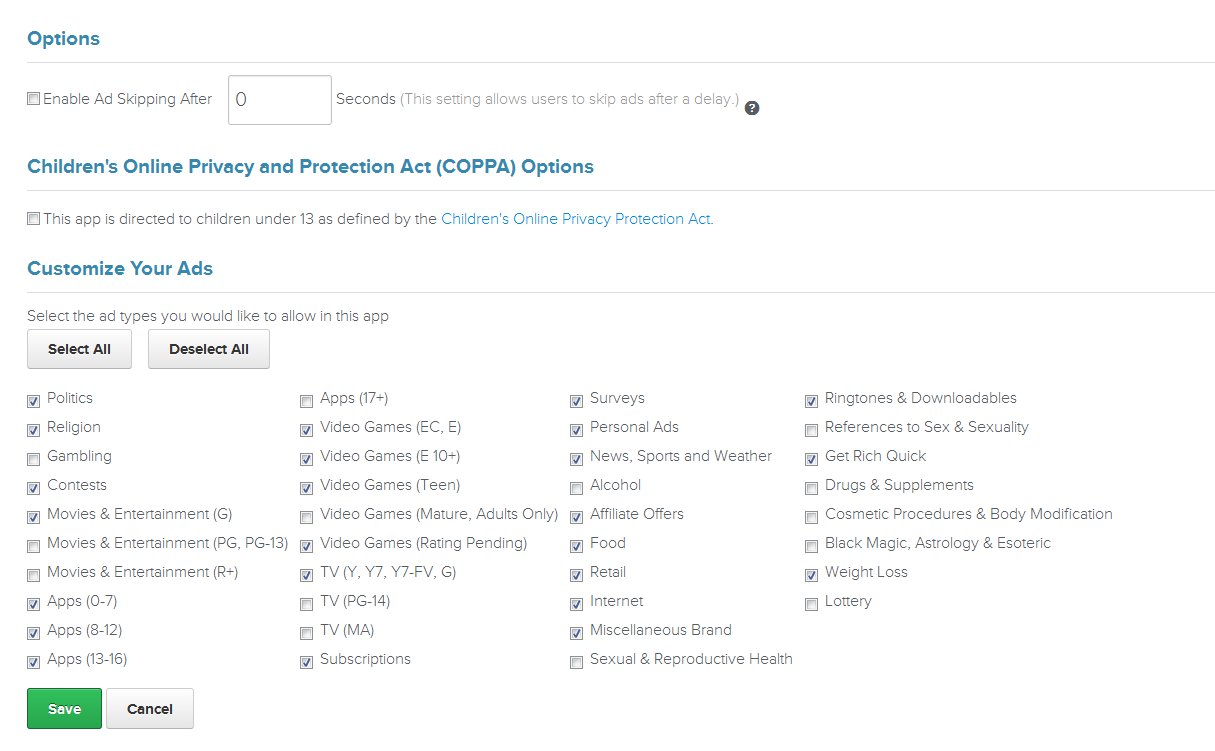
- Fill the other fieds, you can check the next image.
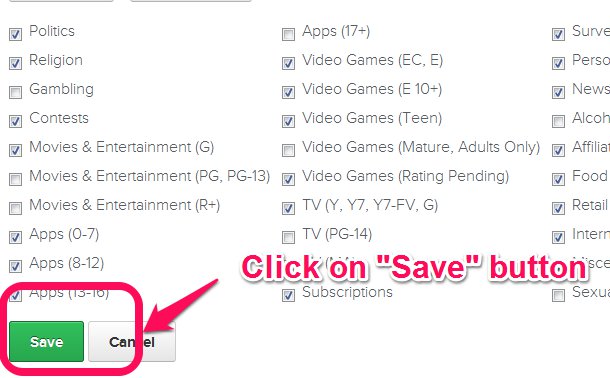
- Click on “Save” ->button.
- You need to Add Placements, for the rewarded click on the “Setup New Ad Zone” Button.
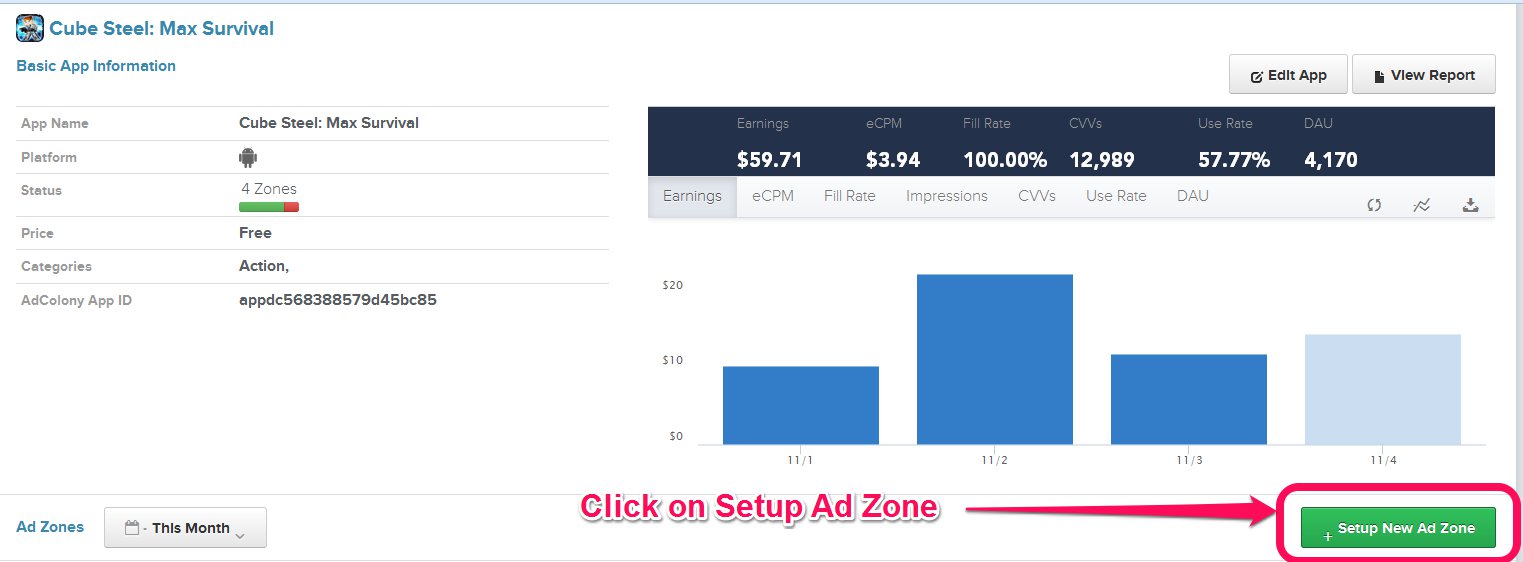
- Fill the fieds, you can check the next image.

- Click on “Save” button.

- You need to Add Placements, for the interstitial click on the “Setup New Ad Zone” Button.
- Fill the fieds, you can check the next image.

- Click on “Save” button.
6. Find the App ID and copy to the clipboard.
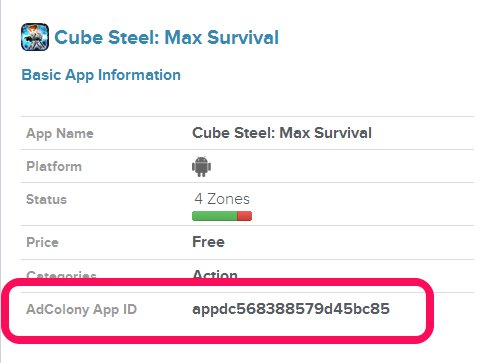
7. Go to the Unity project and click on the “Ad Networks” Menu ->AdColony -> edit settings.

8. Paste the App ID on the App ID Field.

9. Go back to the AdColony dashboard, find the “interstitial” AdPlacement and click on it.
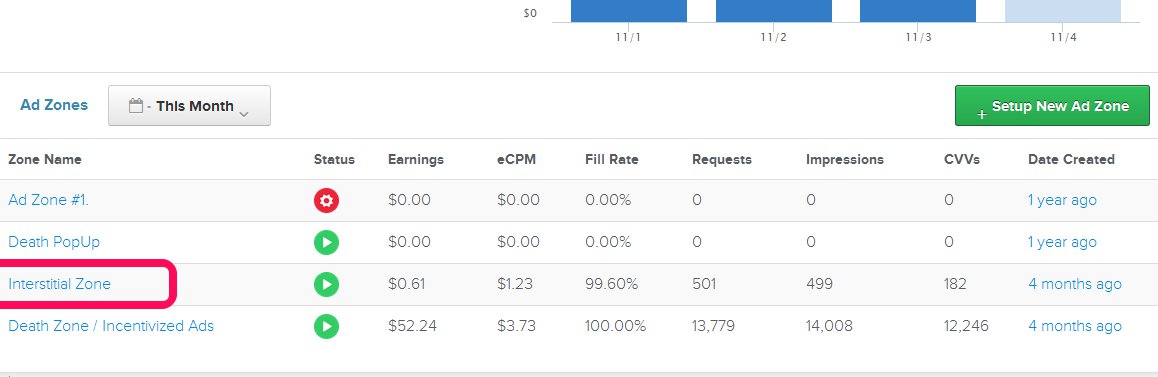
10. Find the ZoneID and copy to the clipboard.
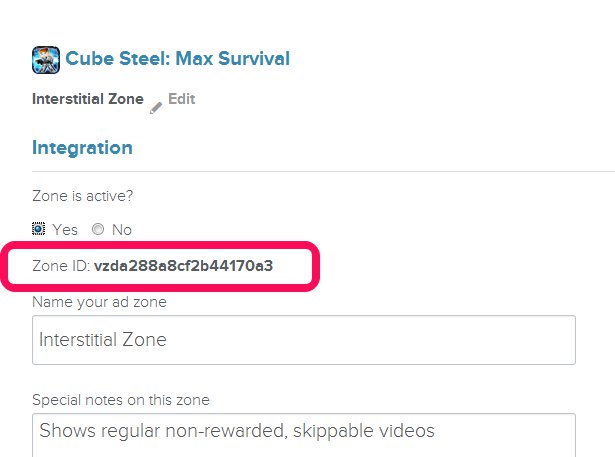
11. Go back to the Unity project and paste on: “Ad2FreeGame, Ad3MoreGame and Ad4Trailers” fields.

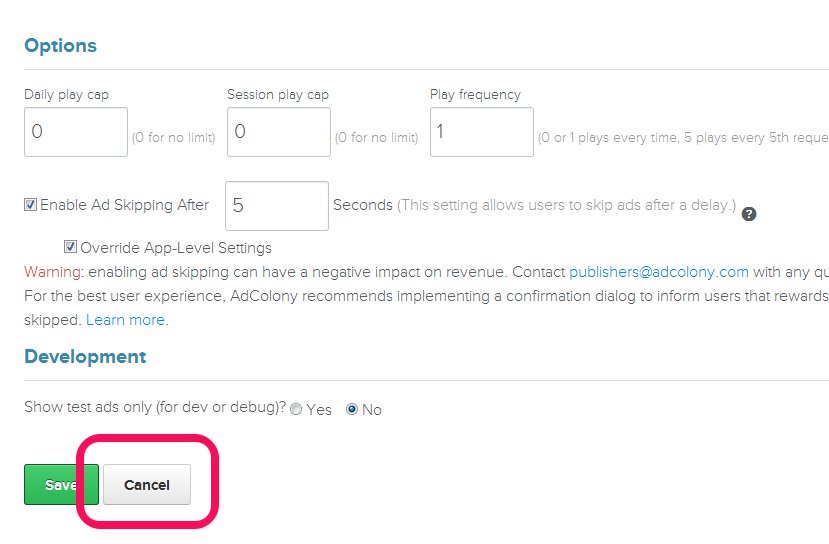
12. On the AdColony dashboard scroll down to the bottom and click on the “Cancel” button.
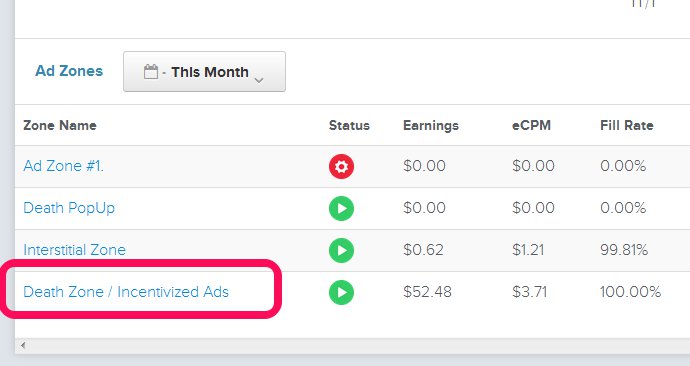
13. Find the “Rewarded / Incetivized” AdPlacement and click on it.
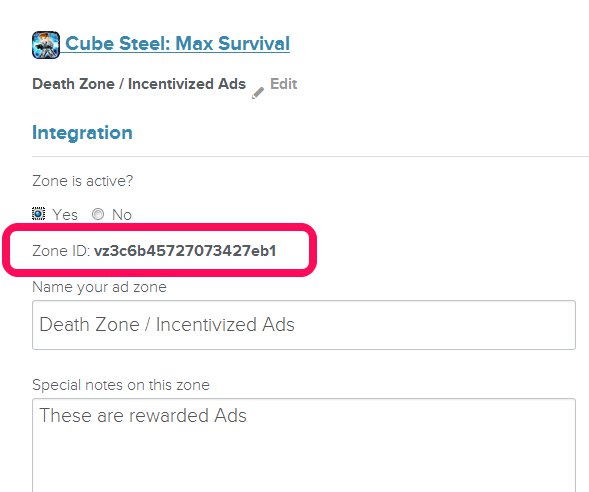
14. Find the ZoneID and copy to the clipboard.
15. Go back to the Unity project and paste on: “Ad1Launch, Ad5Death and Ad6PowerUp” fields.

16. Save your project.