
Setup Vungle on Ads Cascade System
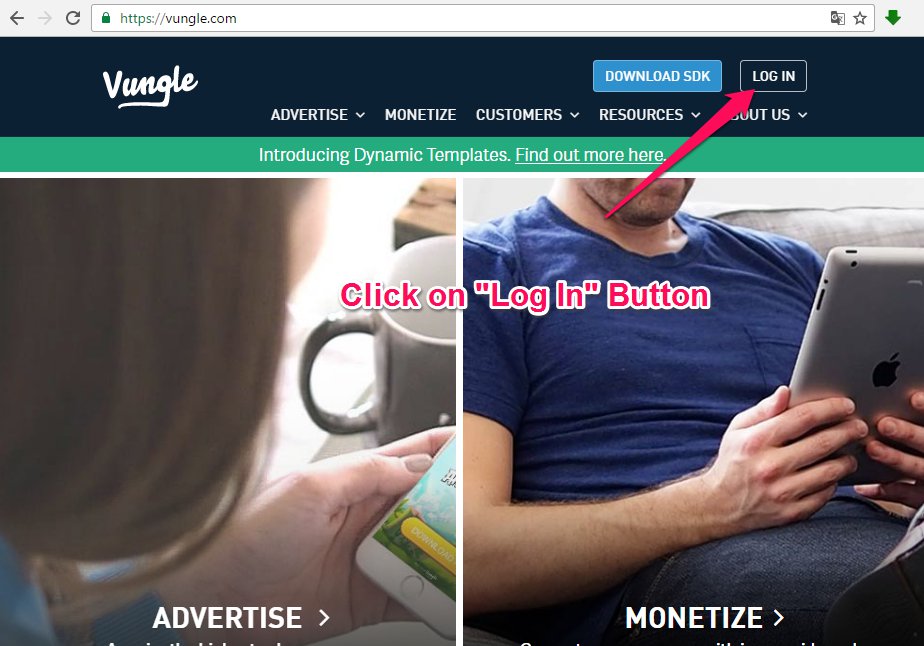
- Go to the Vungle website.
- Click on the “Log in” button.
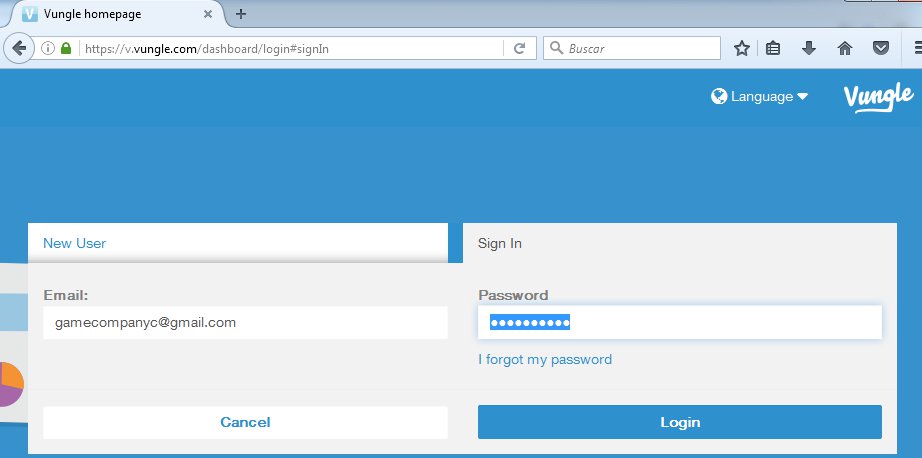
3. Log in with the correct game company.
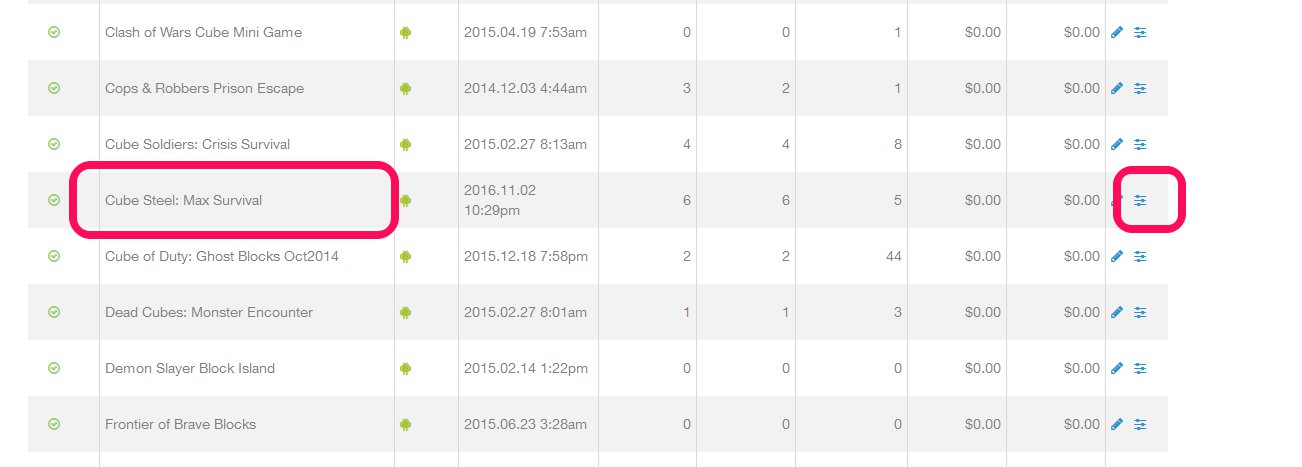
4. Find your game on the list and click on the config button.
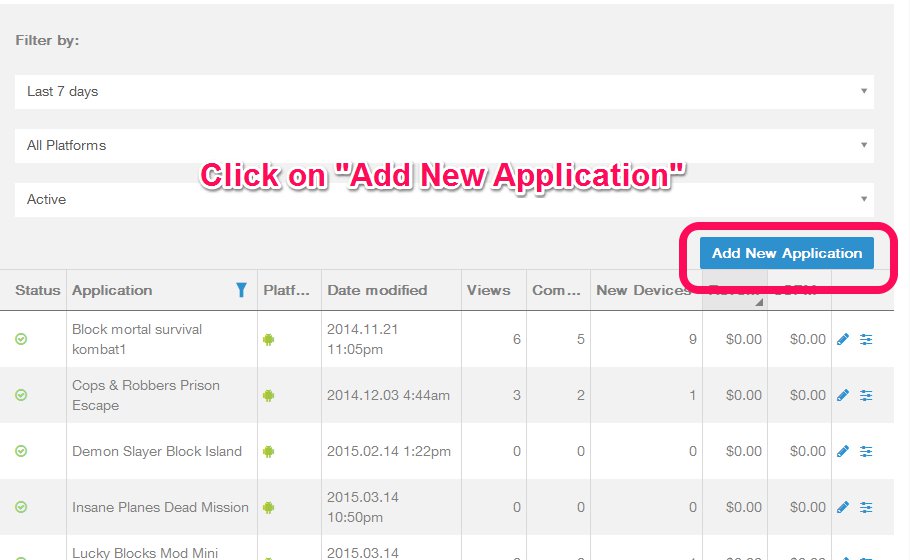
If the game is not in the list, just add it with the next instructions, else go to the point 5:
- Click on “Add New Application” button.
- Click on “Google Android“.
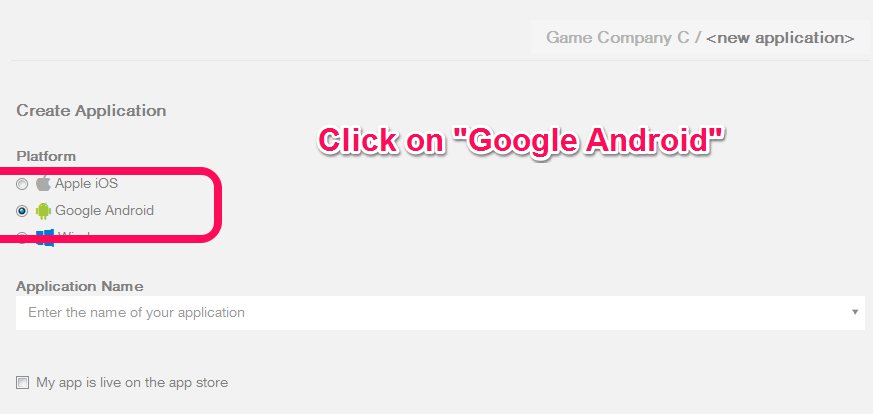
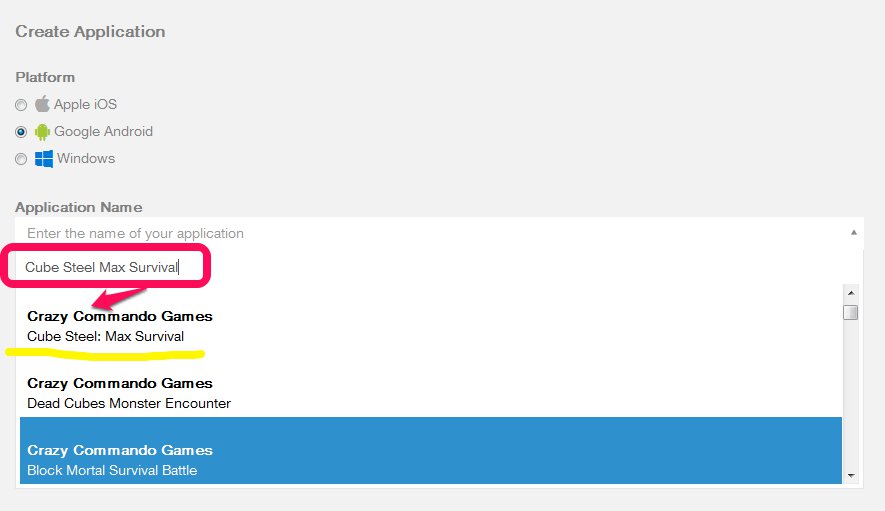
- Enter the Game Name on the Application name Field and select the game from the list.
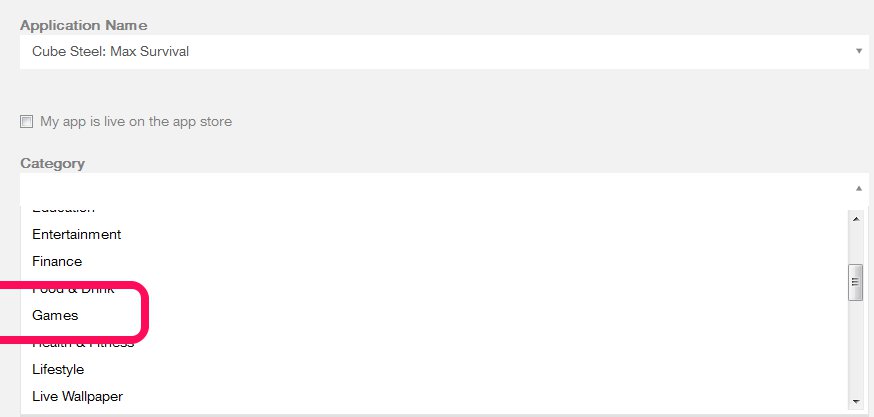
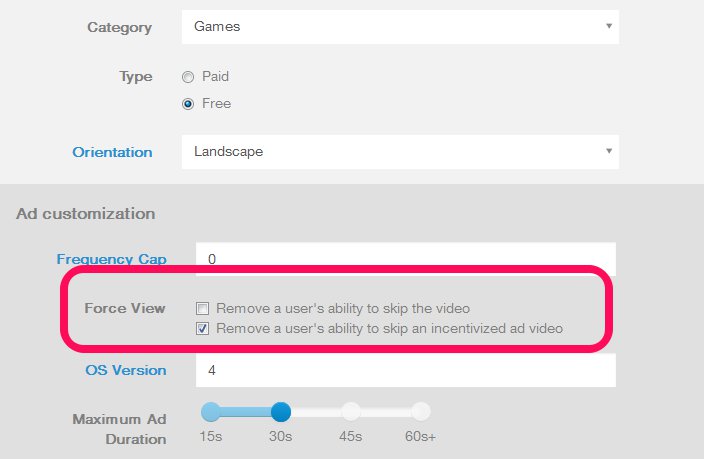
- Select “Games” on the Category.
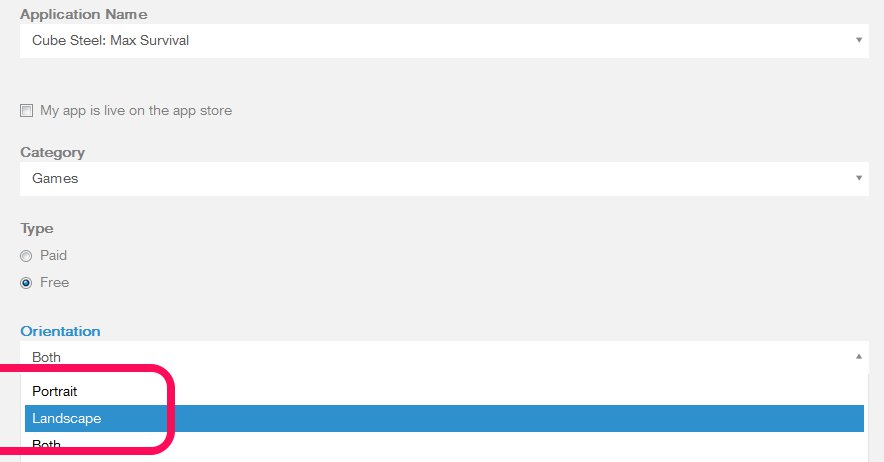
- Select “Landscape” on the Orientation.
- In the “Force View” options, be sure that “Remove a user’s ability to skip video” is unselected and “Remove a user’s ability to skip an incetivized ad video” is selected.
- Click on “Submit” button.
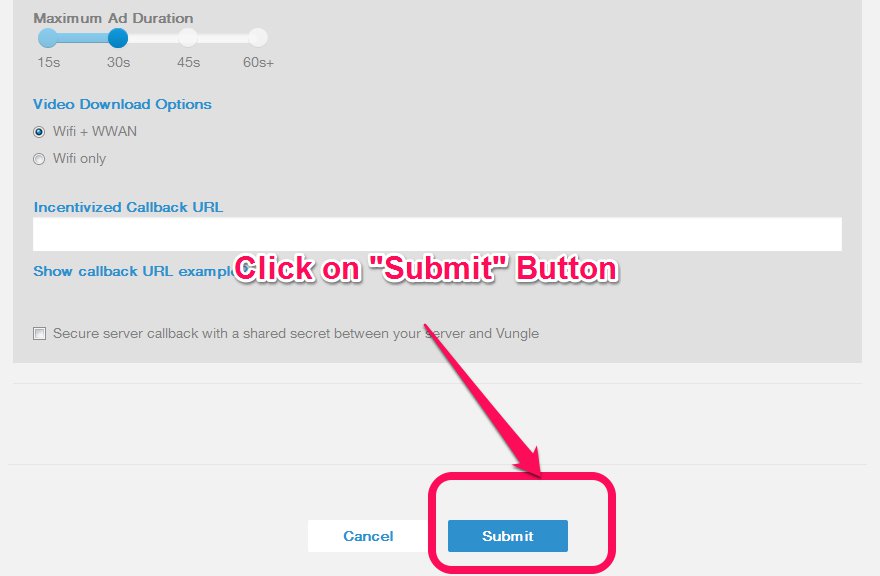
- Click on “Submit” button and go to the point 4.
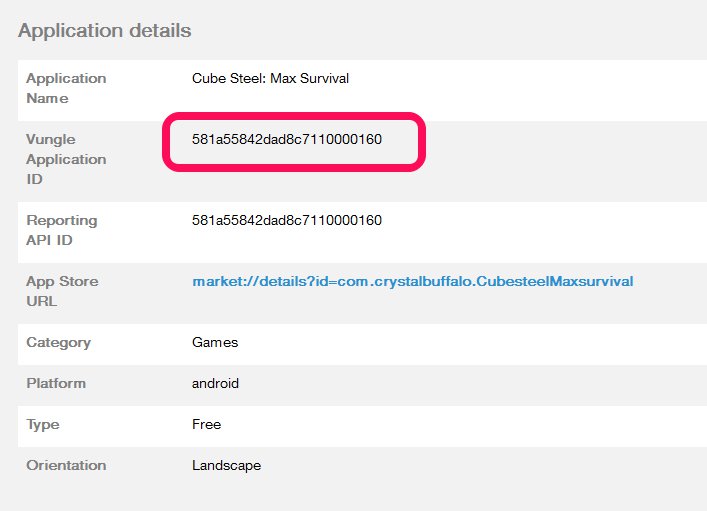
5. Copy the Application ID to the clipboard.
6. Go to the Unity project and click on the “Ad Networks” Menu ->Vungle -> edit settings.

7. The settings for the Vungle Ad Network will appear on the Inspector Tab, copy the Application ID to the ID Field.

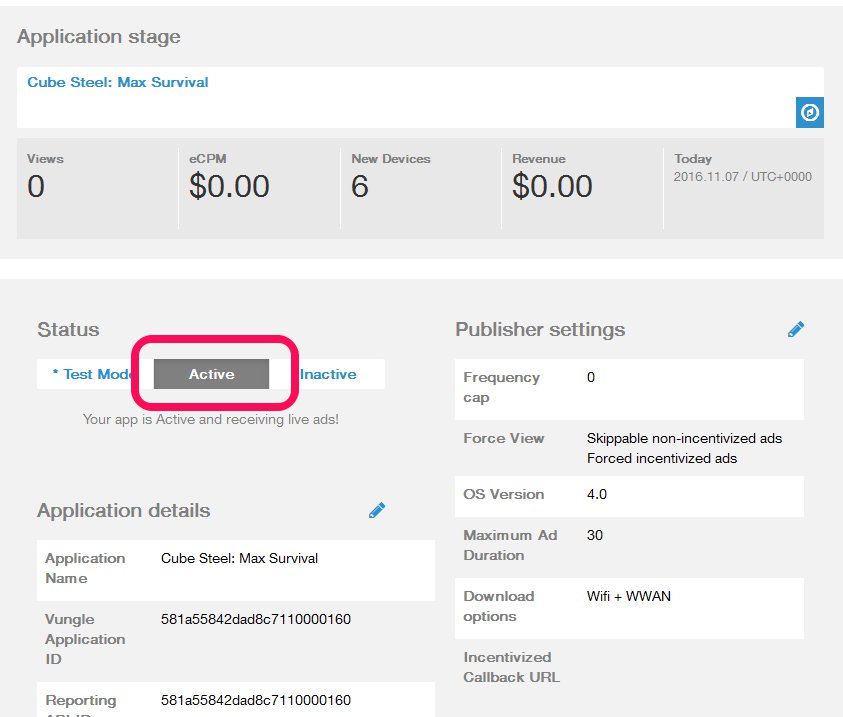
8. Be sure that the Status is set on “Active“.
9. Save your project.