
Settings
In order to remove the “Watch Now” button from every C18, C18.1 or C20 game, please fill in your Unity editor with these parameters.
Download here the SALE image and import in your project: sale_slash
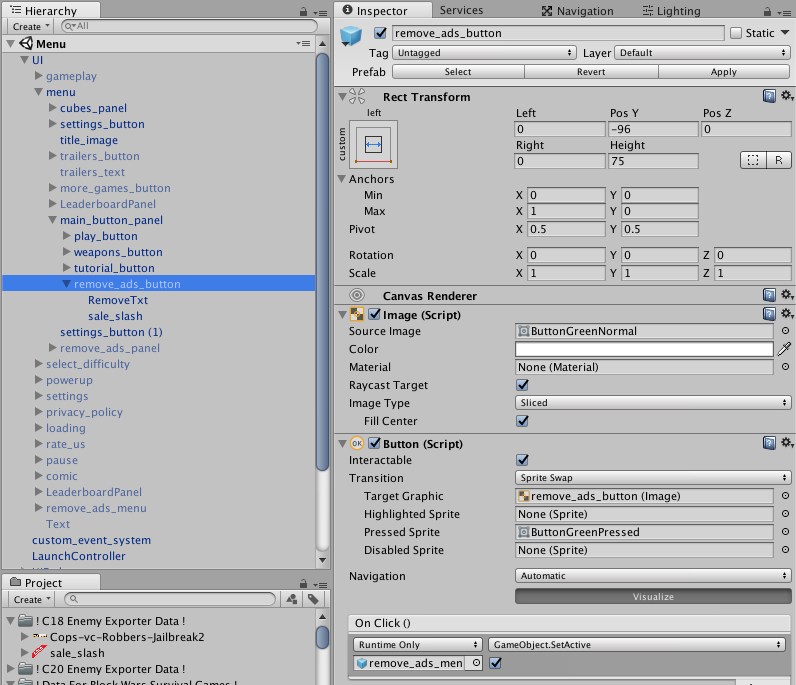
You need to break the Prefab instance and drag the remove_ads_button object into main_button_panel, then check all the numbers to be the same as this image:
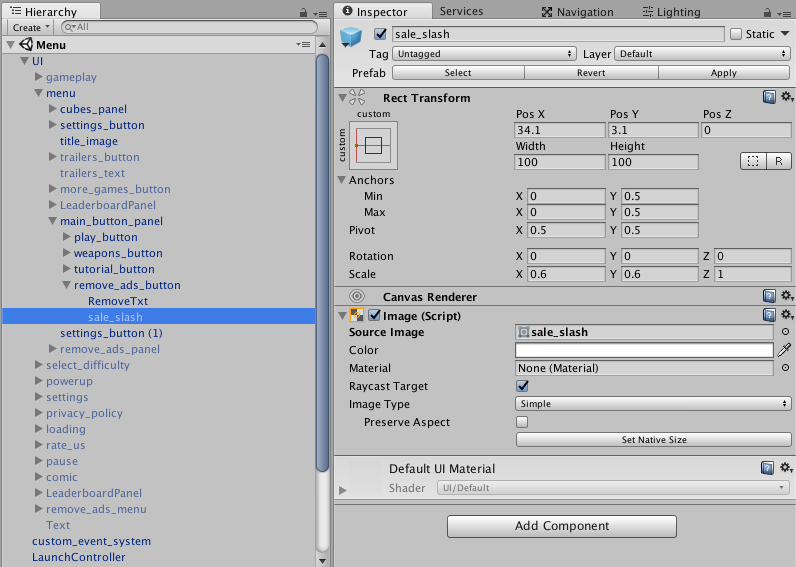
Then create an Empty object inside remove_ads_button and click on Add Component, search for Image and select the sale_slash.png. This image should be as Sprite (2D and UI):
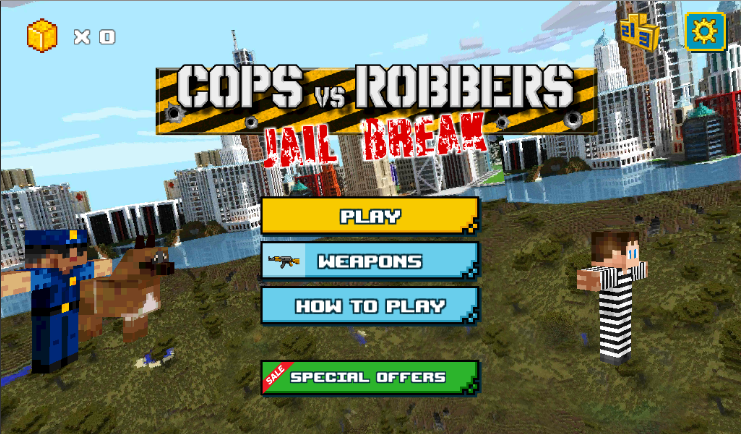
If everything is ok, your menu scene should look like this:
Done! Easy peasy!