
Setup Heyzap on Ads Cascade System
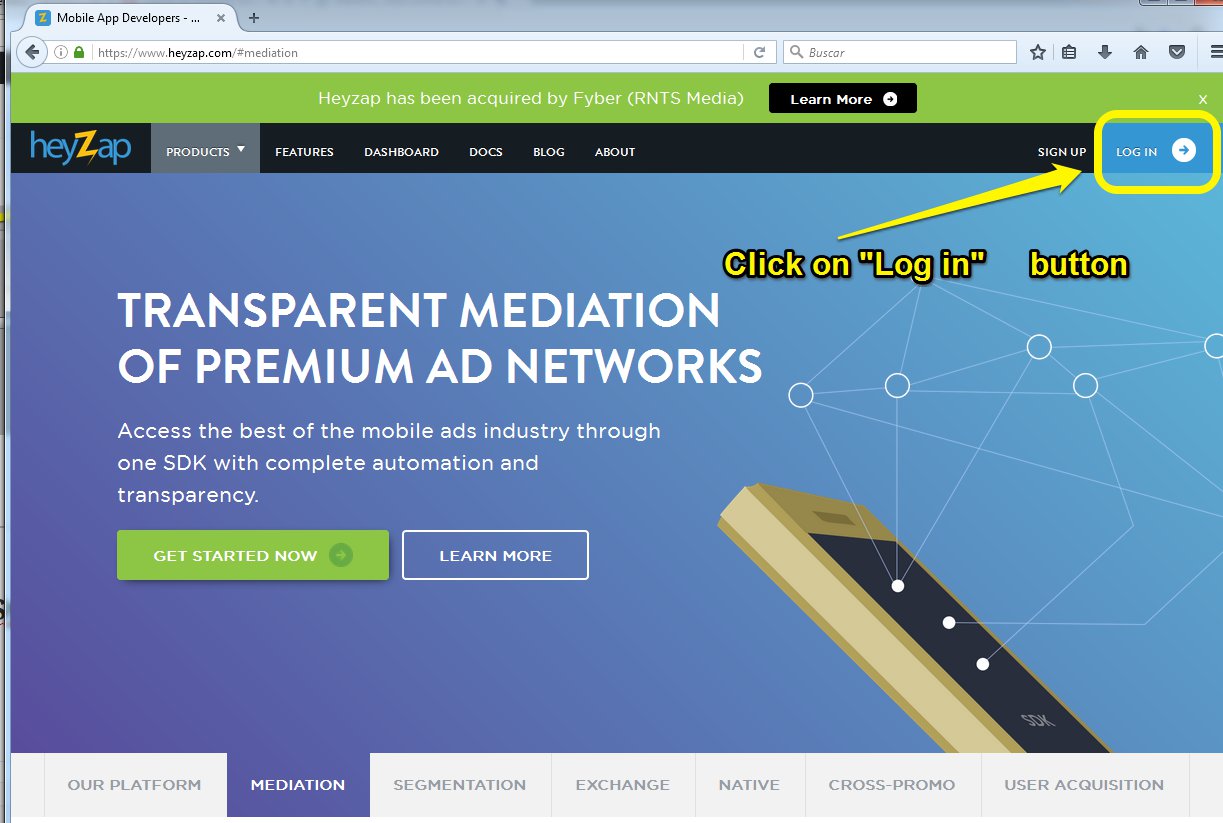
- Go to the Heyzap website
- Click on the “Log in” button.
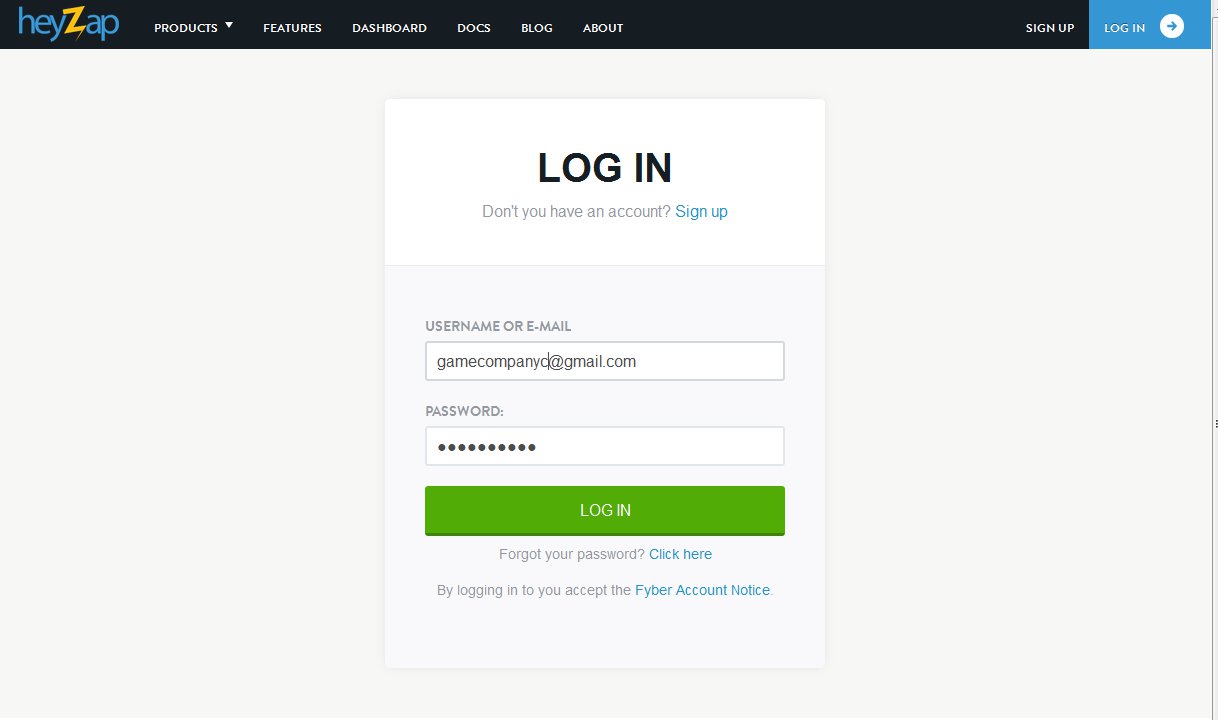
3. Log in with the correct game company.
4. Click on “All Apps“, click on the name of the game.

If the game is not in the list, just add it with the next instructions, else go to the point 5:
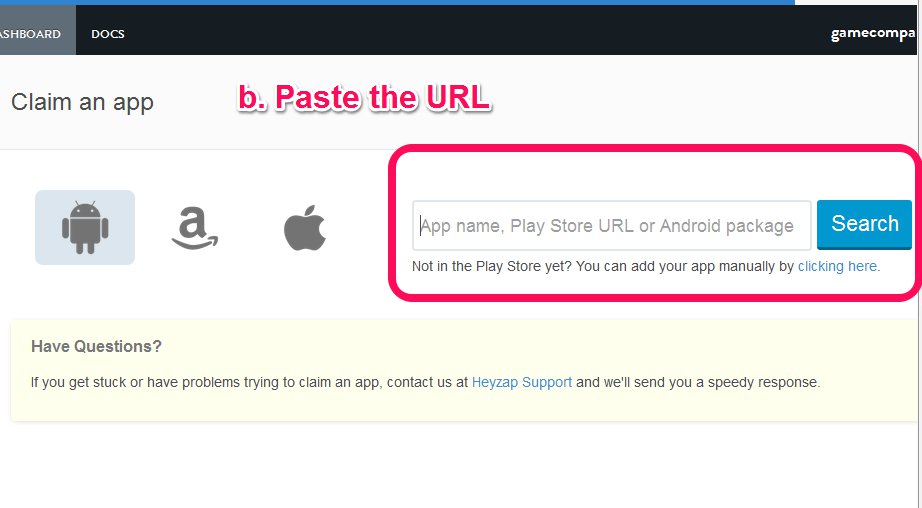
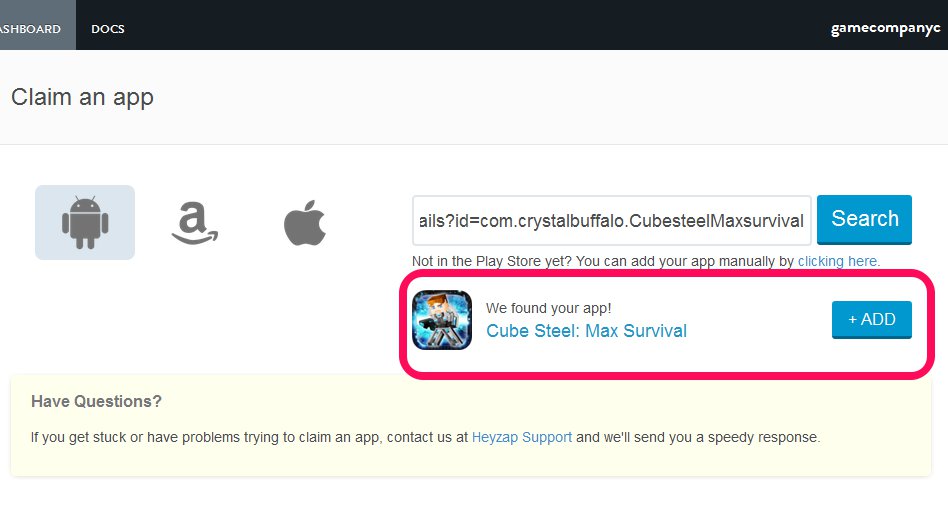
- Click on “All Apps” -> “+Claim an app” button

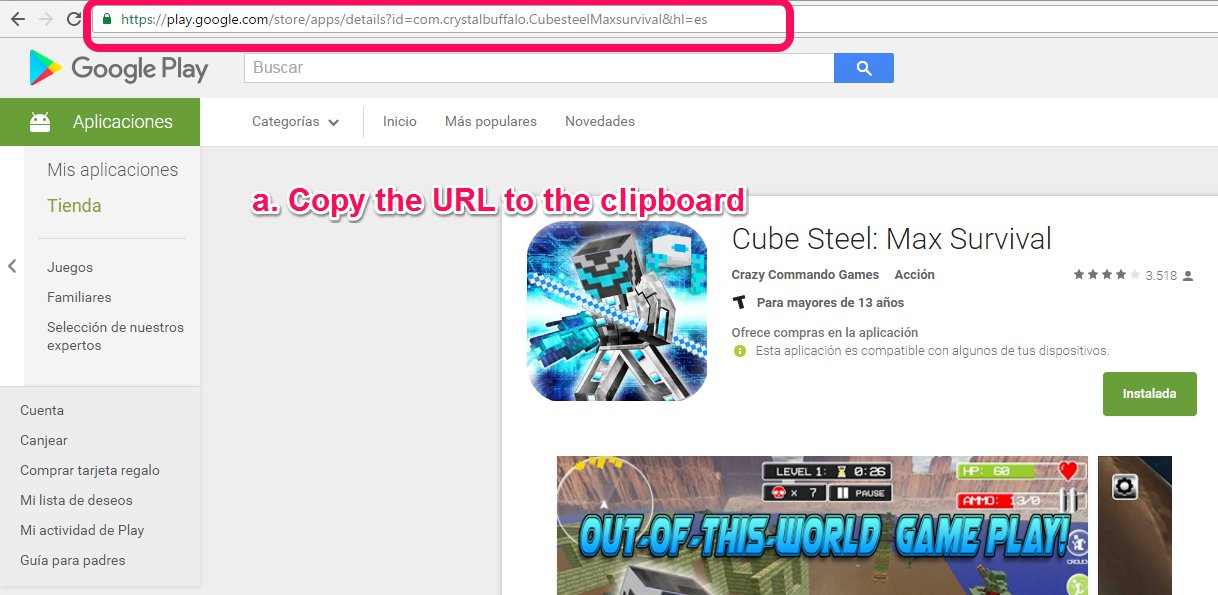
- Fill the field with the URL from the google play store and click on “Search” button.
- Click on “+Add“button
5. Go to the Unity Project, Click on the “Tools” menu -> Edit Game Studio

6. Change the Studio to the Correct company.

7. Save your project.