
Setup Chartboost on Ads Cascade System
- Go to the Chartboost website
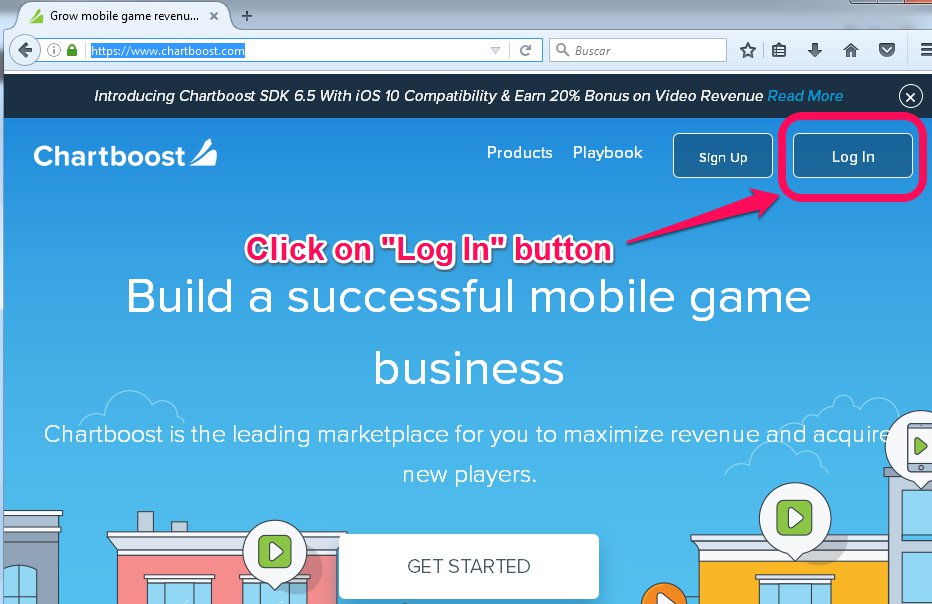
- Click on the “Log in” button.
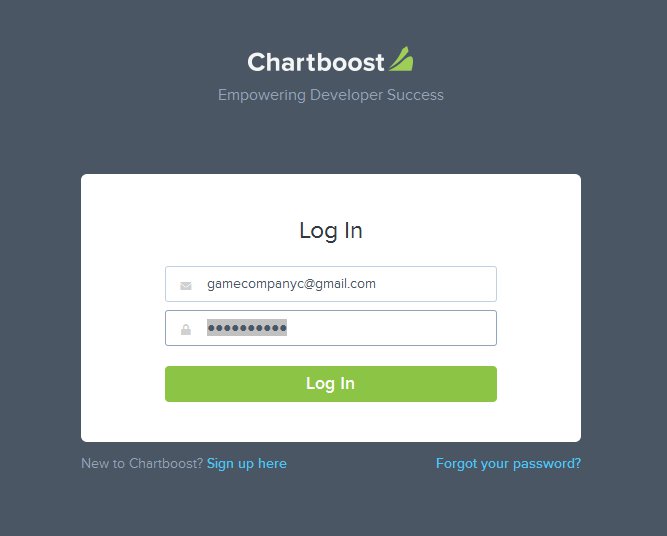
3. Log in with the correct game company.
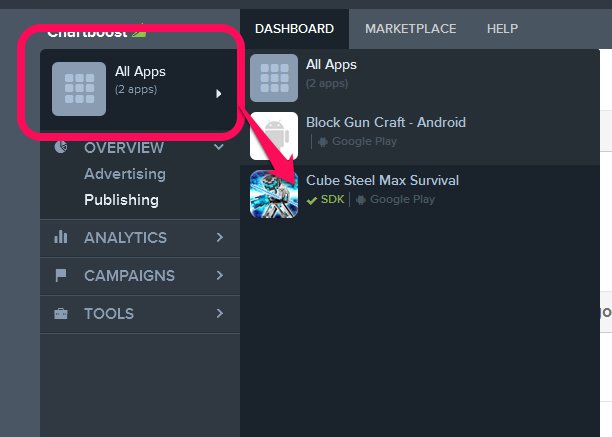
4. Click on “All Apps“, select your game on the list.
If the game is not in the list, just add it with the next instructions, else go to the point 5:
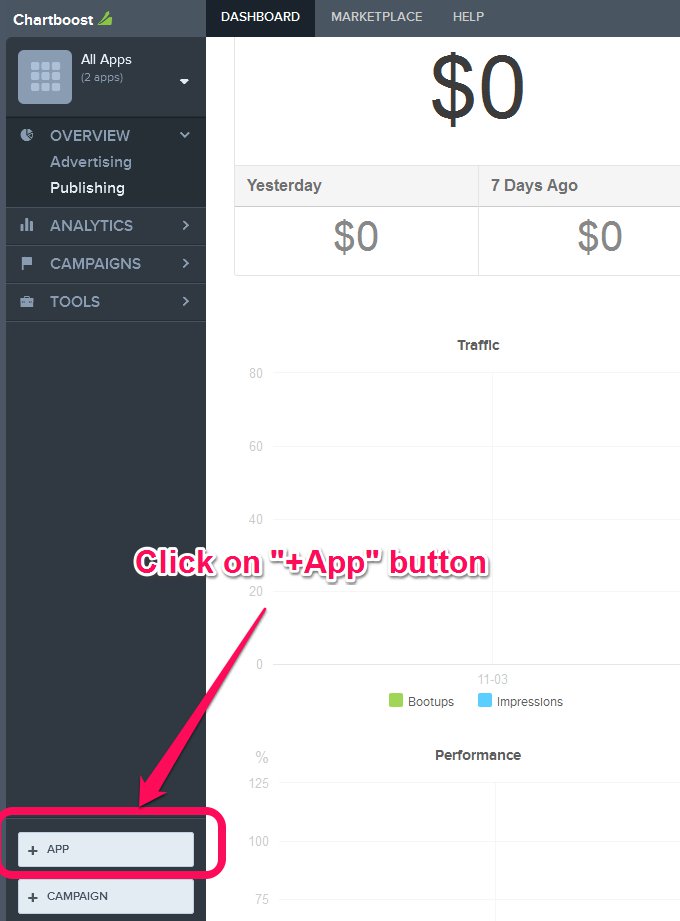
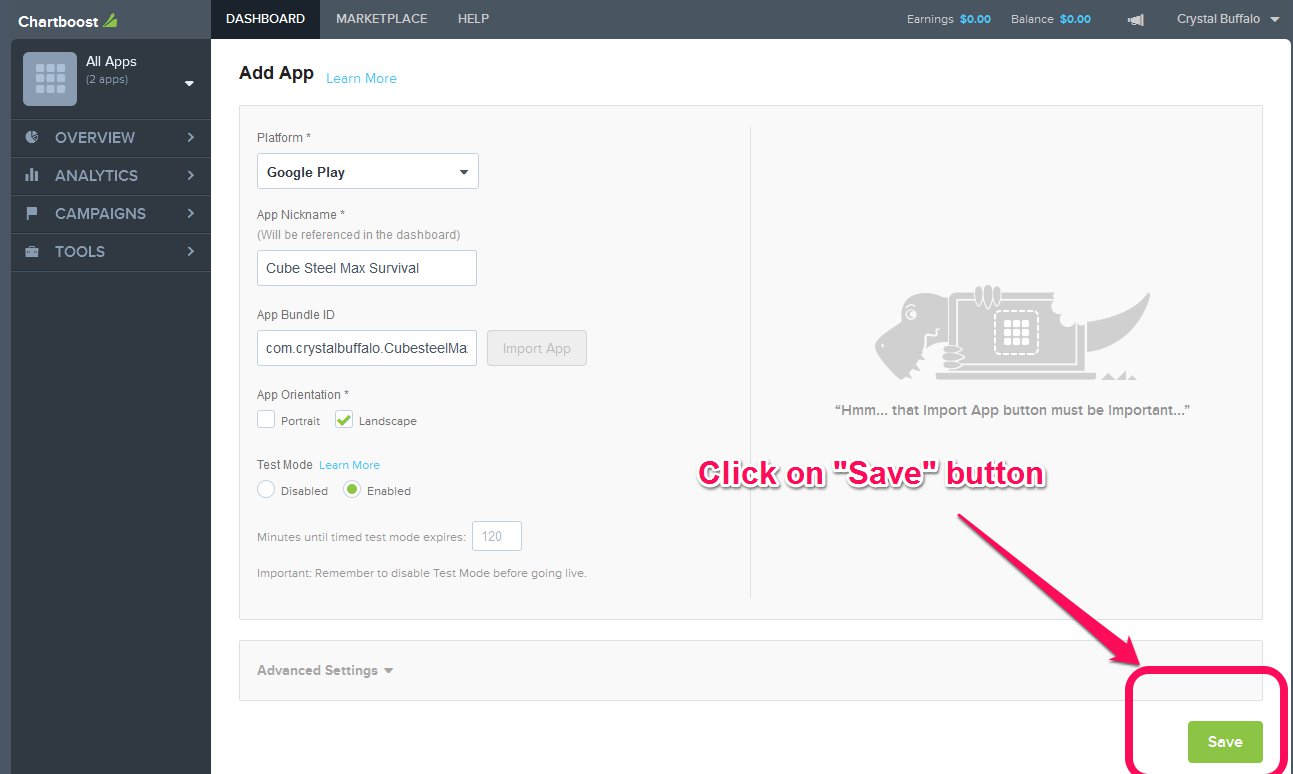
- Click on “+ App” button.
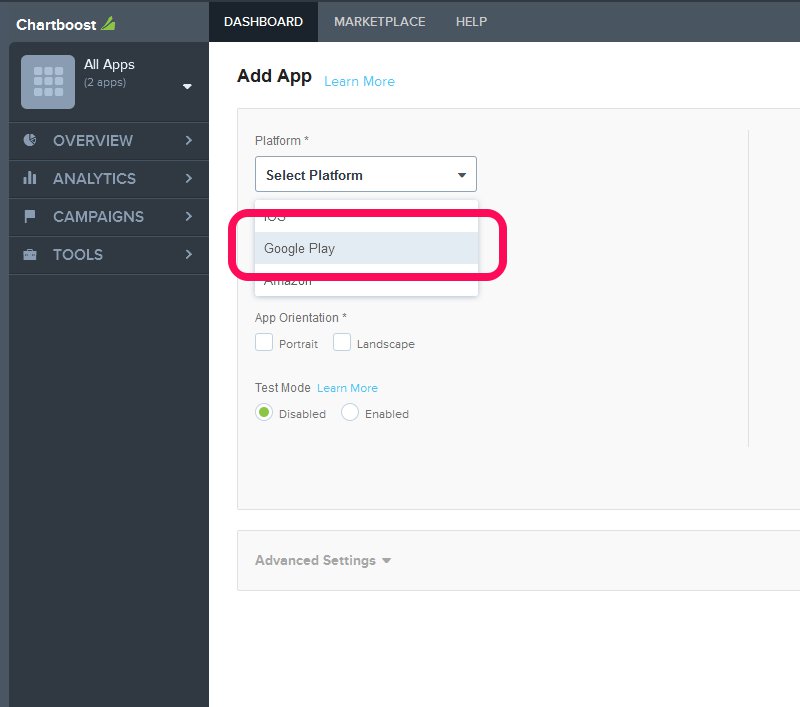
- Select “Google Play” on the plataform list.
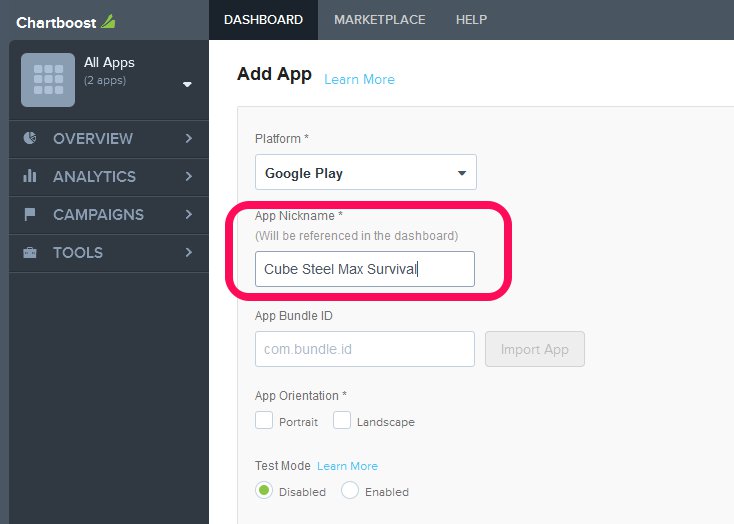
- Enter the name of the game on the “App nickname” field.
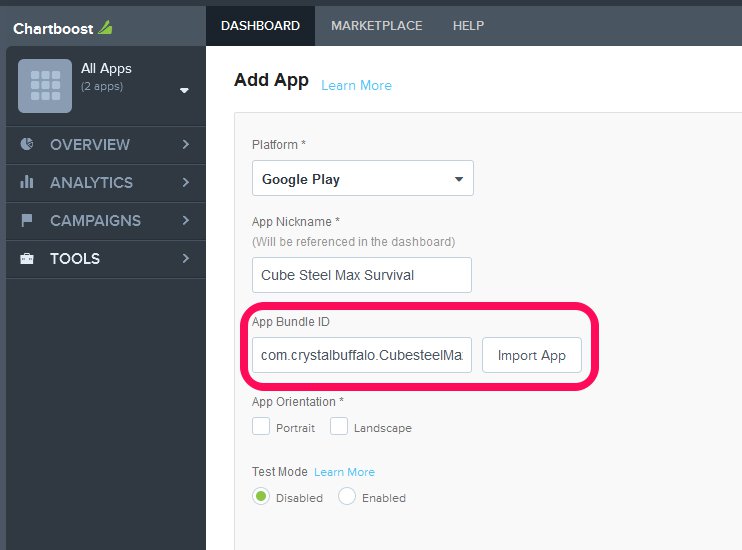
- Go to the unity project and click on file -> Build Settings -> Player Settings, copy the Bundle Identifier to the clipboard.

- Return to the Chartboost Dashboard and Paste the Bundle ID on the “App Bundle ID” field, click on “Import App” button.
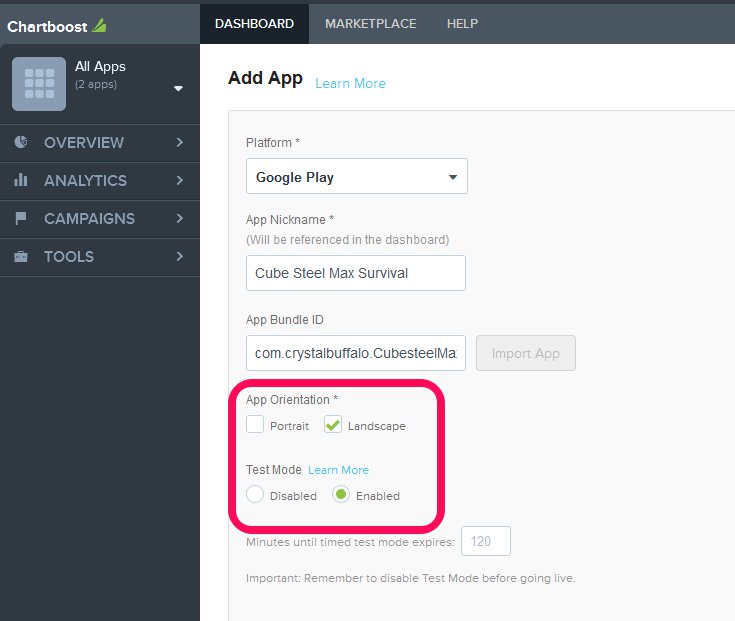
- Click on “Landscape” and Test mode “Enabled“. Note: Do not forget to set the test mode to “Disabled” when you finish to test the Ad Network.
- Click on “Save” button.
- Click on “All Apps“, select your game on the list.
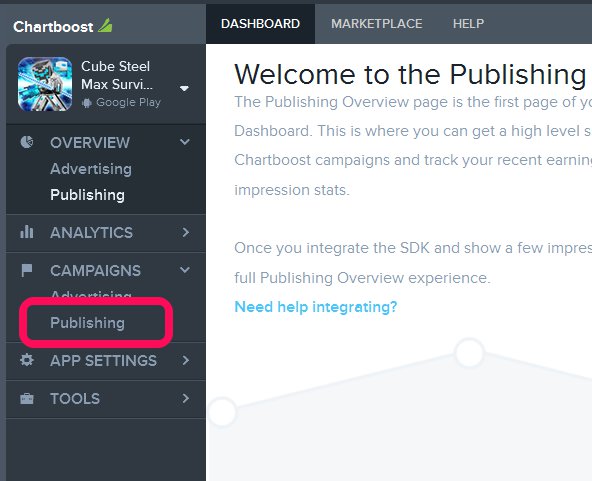
- You need to add campings, Click on Campings -> Publishing.
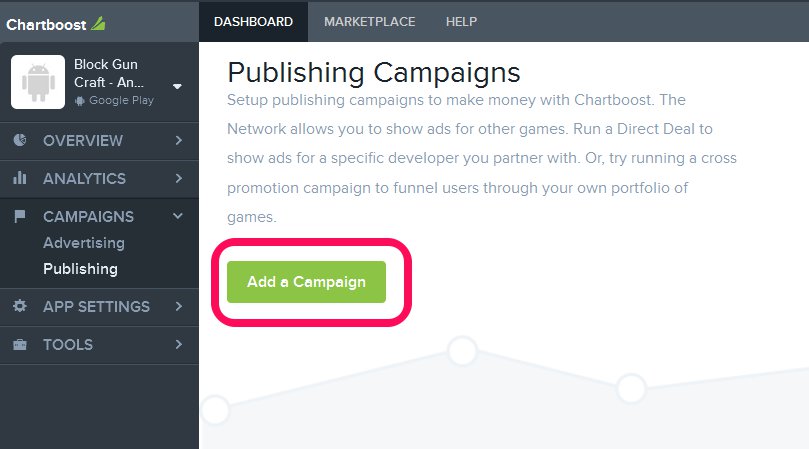
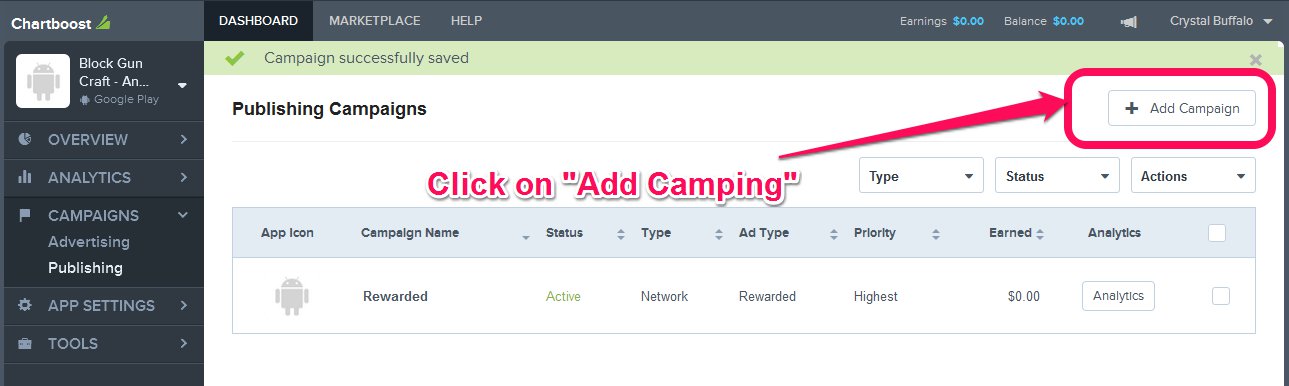
- Click on “Add Camping” button.
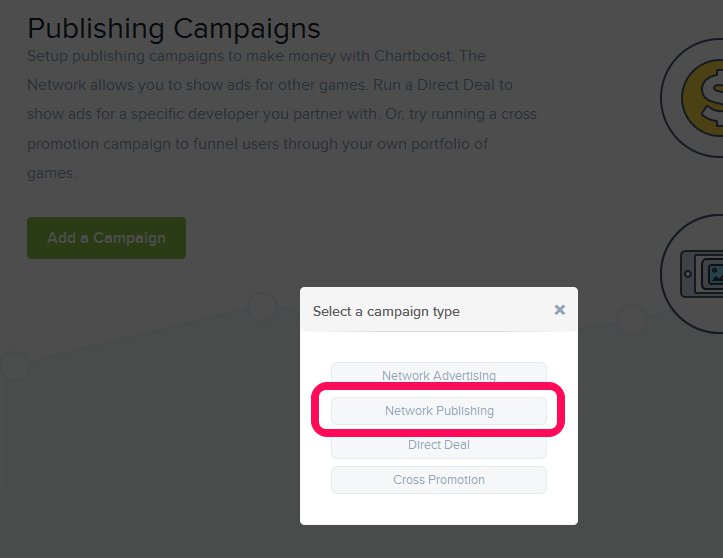
- Click on “Network Publishing” button.
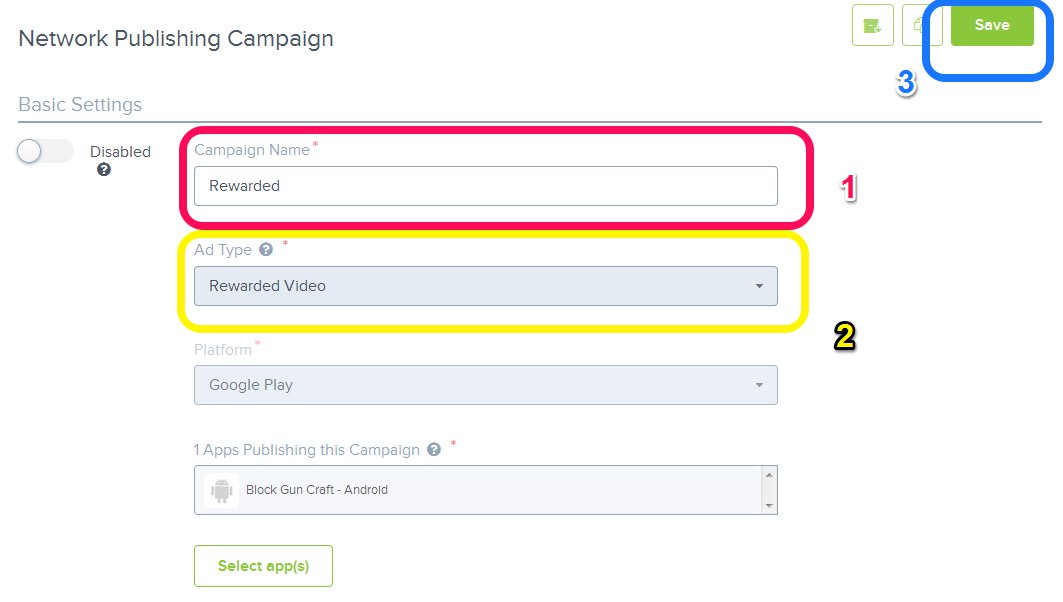
- Enter “Rewarded” on the Camping Name (1), Choose “Rewarded Video” on the Ad Type (2), Click on the “Save” Button.
- Click on “Add Camping” button to create one more camping (interstitial).
- Click on “Network Publishing” button.
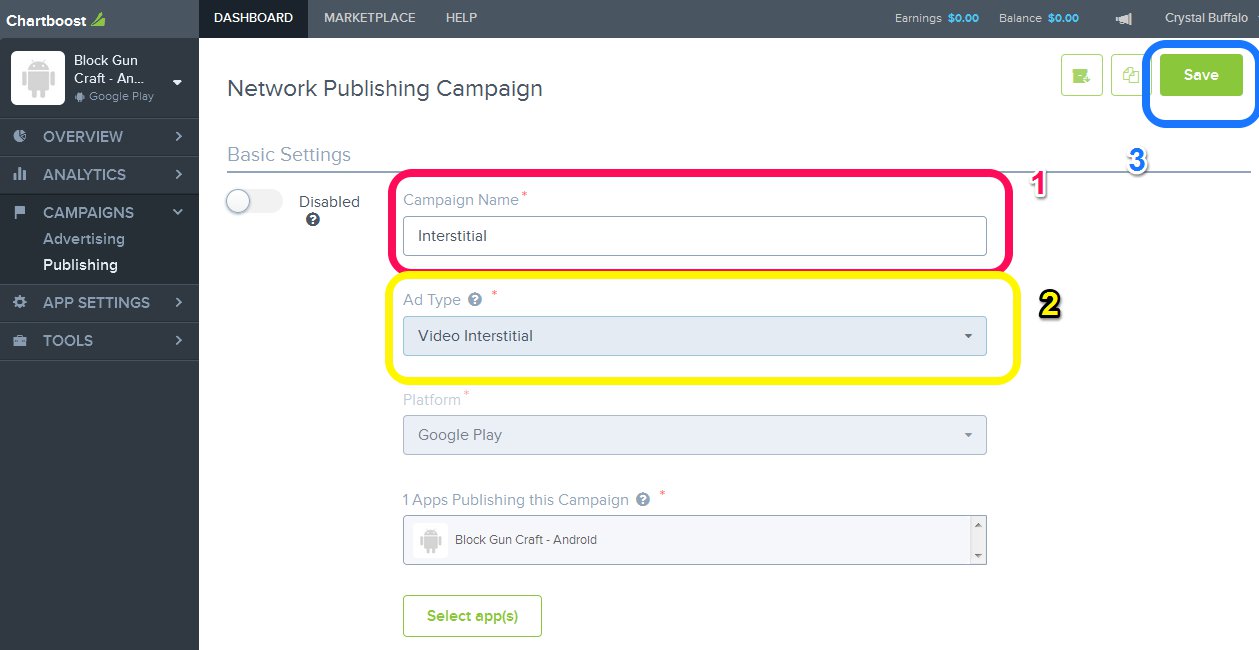
- Enter “Interstitial” on the Camping Name (1), Choose “Interstitial Video” on the Ad Type (2), Click on the “Save” Button.
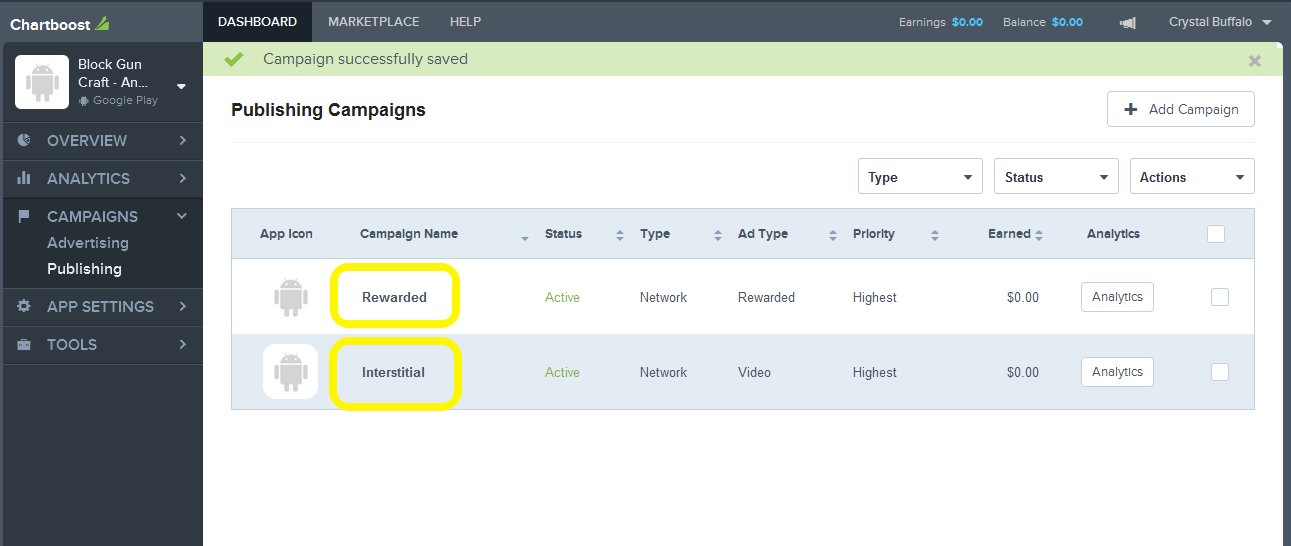
- You have now two campings (rewarded and interstitial)
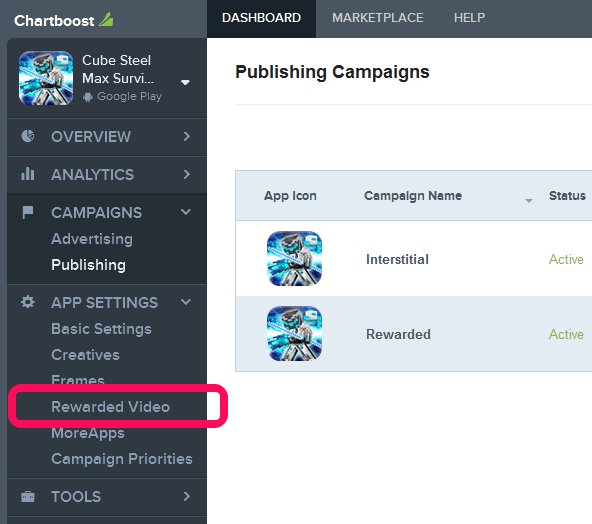
- Click on “App Settings” -> Rewarded Video.
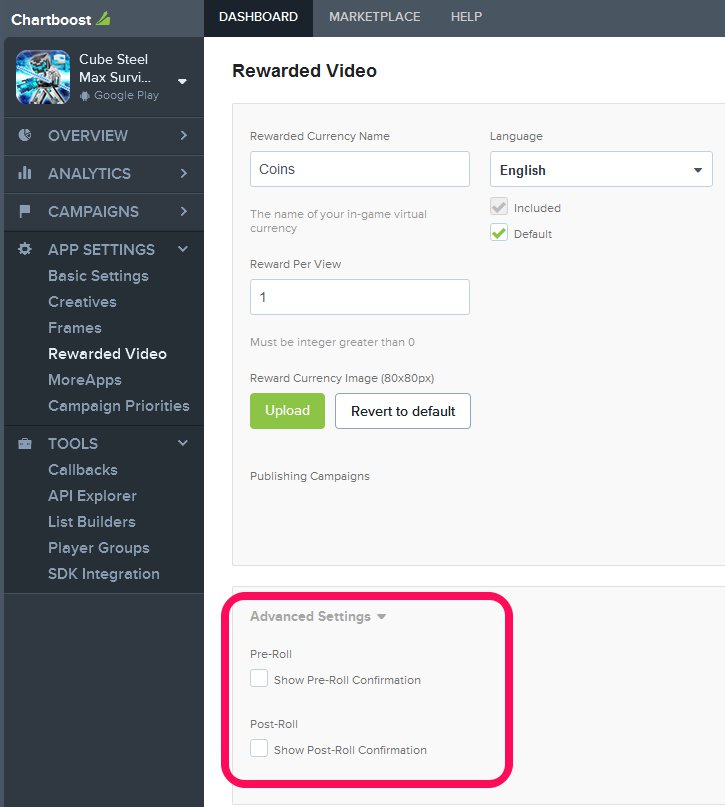
- Go to “Advanced Settings” and be sure that Pre-Roll and Post-Roll options are not selected. Then click on “Save” button.
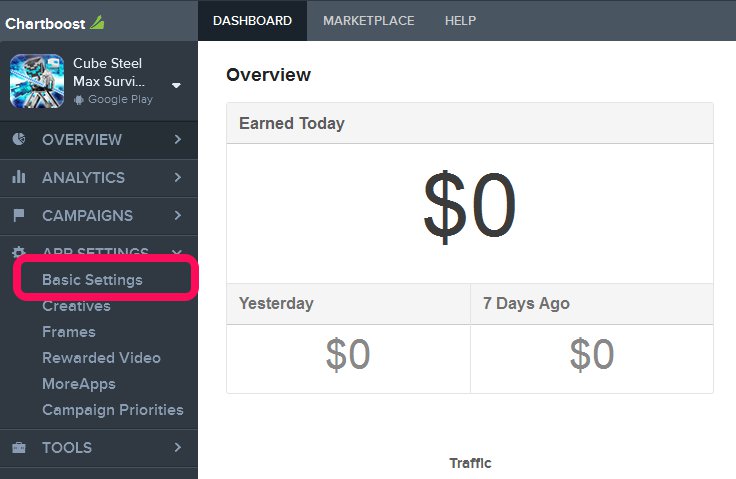
5.- Click on APP SETTINGS -> Basic Settings
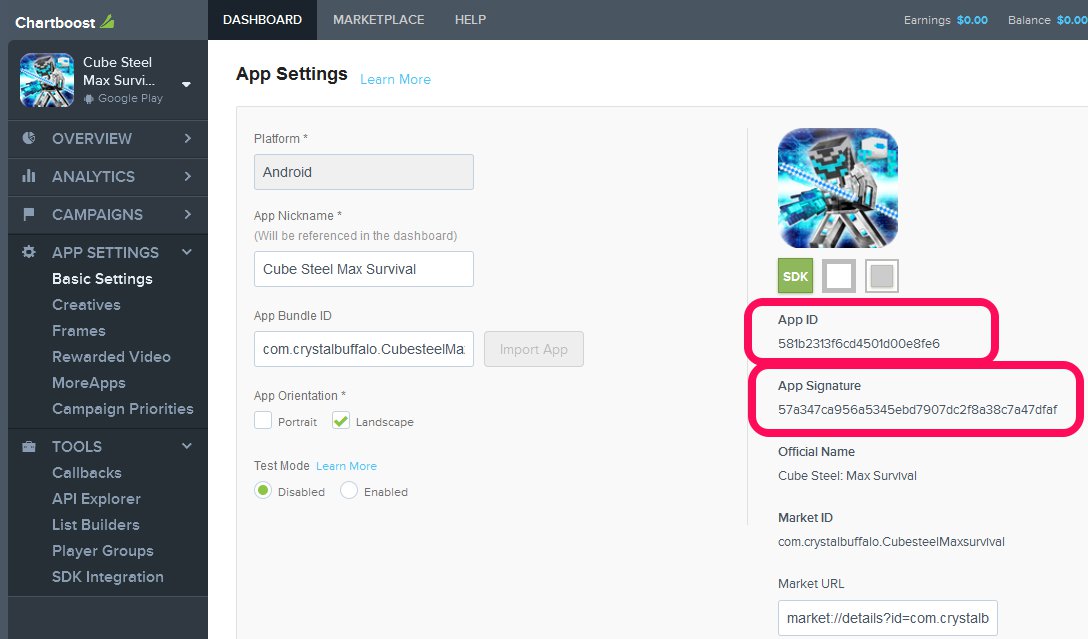
6.- Copy the “App ID” and the “App Signature“.
7. Go to the Unity proyect and click on the “ChartBoost” Menu -> edit settings.

8. The settings for the Chartboost Ad Network will appear on the Inspector Tab, copy the App ID and the App Signature to the Fields, Save yout project.

9. Return to the Charboost board and click on All Apps.
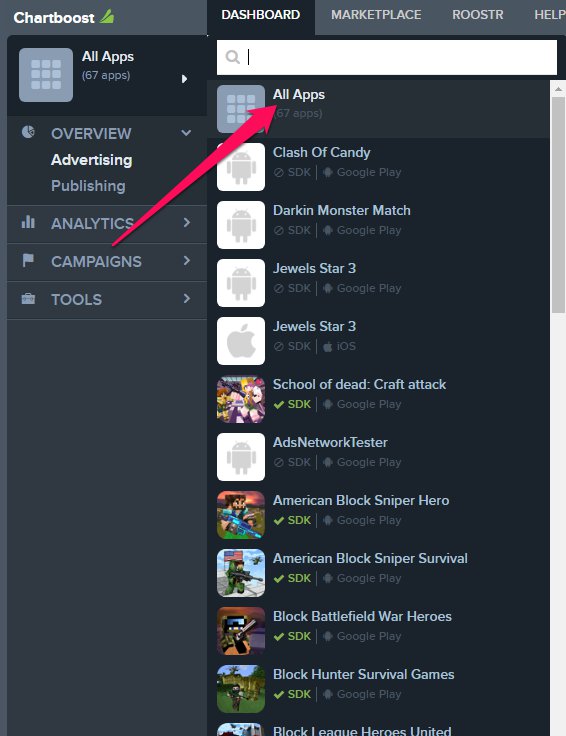
10. Click on Campings -> Publishing -> Android

11. Search for “Shooter Rewarded” and click on it.

12. On the Basic Settings click on the Select app(s) button.

13. Find your game in the list and enable the checkbox, then click on confirm.

14. Congratulations!!