
Export The Data
From the menu, choose Tools -> Enemy Exporter -> Export All Levels.

A progress bar comes up, showing you which level it is currently exporting.

Then, Unity is unresponsive for a couple of minutes, and you see a spinning wait cursor. …
Finally, it asks you where to save the exported game data.
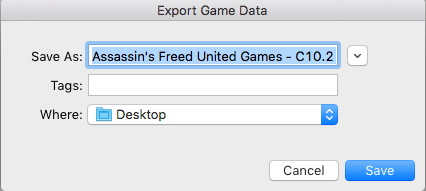
You may need to tweak the name. Spaces and dashes are fine, but colons and slashes may cause it to refuse to save.
Using the defaults, it created “Assassin’s Freed United Games – C10.2 – BVC 7.unitypackage” on my desktop.
[DO WE WANT PEOPLE TO SAVE THIS INTO DROPBOX?]
Production team agreed that it is better if the data exported from the old project folder will be uploaded in the corporate dropbox.
The folder for these packages is called 9-App Asset Packages.
All the assets for the game should be in this neat little unity package.
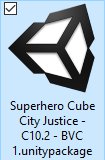
Tada! Everything that we need from that game, in one tidy import file.