
Install Enemy Exporter
Export the Exporter
Open the new project in the appropriate version of Unity. C16 projects are designed to be used with Unity 5.3.1p2. (If you use a different version, it causes problems.)
New, in Export v1.0.8. From the menu, choose Tools -> Enemy Exporter -> Create Exporter Package and then choose to create a package for C16 games, or for earlier (C10, E11) games.
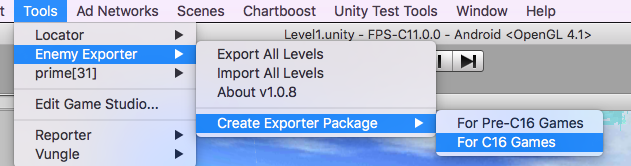
(Previously, you’d choose Tools -> Enemy Exporter -> Advanced -> Create Enemy Exporter Package, and it would create a package that didn’t work for updating C16-style games.)
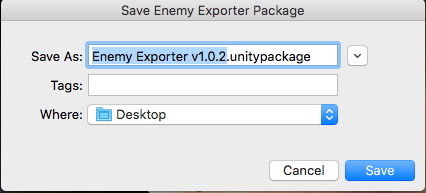
You’ll be asked to save it. By default, it’ll use the exporter’s version, the version of the game the exporter works for, and save to your Desktop.
Import The Exporter
Now, import the exporter into your older project. 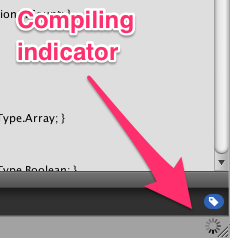 [How To Import]
This import contains a lot of scripts (and nothing else).
It’ll recompile for a bit. Unity tells you it is recompiling by showing a spinning circle in the bottom-right corner.
After it recompiles, you’ll have Tools -> Enemy Export in your menus.